

Global Broker Regulation Inquiry App
About WikiFX
English
简体中文
繁體中文
English
Pусский
日本語
ภาษาไทย
Tiếng Việt
Bahasa Indonesia
Español
हिन्दी
Filippiiniläinen
Français
Deutsch
Português
Türkçe
한국어
العربية
OANDA Demo Account Login|How to Open, Verify & Access Your Platforms?
Abstract:Step-by-step for OANDA demo account login and live onboarding, plus how to log into Web, Mobile, MT4, and TradingView.
How New Traders Get Started with OANDA?
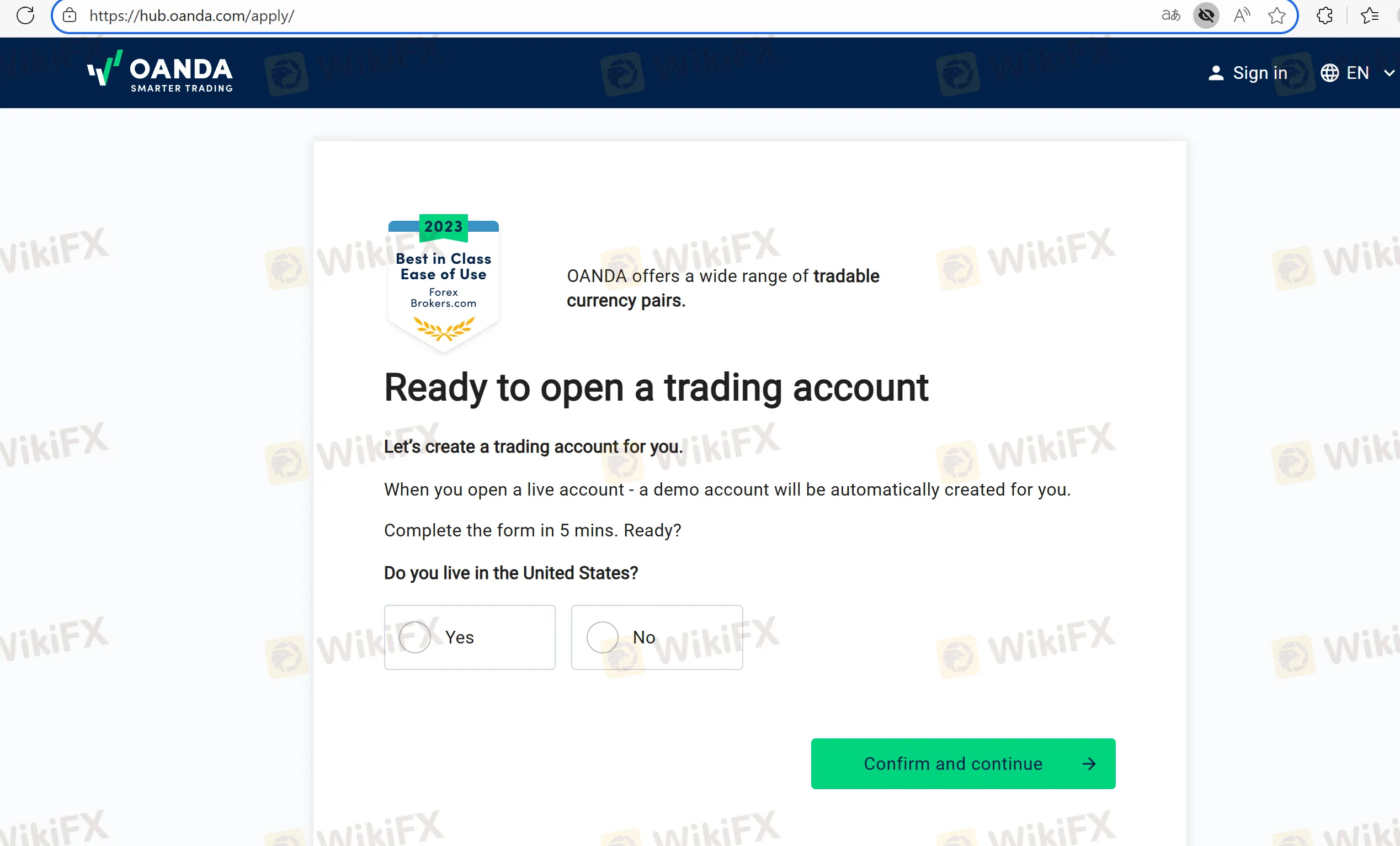
Step 1 — Apply.
On OANDA's homepage, click “Start Trading” and fill in the application form.
Manual route: submit photo ID (NRIC/Passport/Employment Pass), proof of address (CPF/IRAS/utility/bank/insurance), and complete non-face-to-face verification (e.g., selfie holding ID).
Step 2 — CKA & approval.
Complete MASs Customer Knowledge Assessment (CKA). If knowledge is insufficient, OANDA directs you to a regulator-endorsed e-learning and asks for the completion certificate.
Step 3 — Login, fund, and trade.
After approval, log in to My Funds to deposit via PayNow/FAST/Bank. Theres no minimum deposit.
Your Demo Account and First Login
- Create demo: Use OANDAs Try demo account flow.
- Demo account login: Sign into the HUB/My Funds with your demo credentials. If your email has both live + demo, toggle to “demo” via the profile dropdown.
How to Log In on Each Platform?
OANDA Web: Go to Platforms → OANDA Web → Login. You get TradingView-powered charts, DoM, and chart trading.
OANDA Mobile (iOS/Android): Install the app, then login with OANDA credentials to trade, set alerts, and manage funds.
TradingView: In TradingView, click Trading Panel → OANDA → Connect, then authenticate with your OANDA login to place trades from charts.
MetaTrader 4: Create an MT4 sub-account in the HUB (for demo or live), add virtual funds for demo, install MT4, pick the assigned OANDA server, and log in.
FAQs about OANDA Login & Demo Access
Q1. Can I use one login for Web, Mobile, MT4, and TradingView?
Yes—your OANDA login works across platforms; MT4 uses a specific MT4 sub-account.
Q2. Where do I manage deposits/withdrawals?
In the My Funds (HUB) area after login.
Q3. I created both live and demo under one email. How do I switch?
Use the account dropdown in the HUB to toggle to your demo profile.
Q4. MT4 says “Invalid account” or I cant find my server.
Refresh the server list and/or reset your MT4 password from HUB → Password management → MT4 Server.
Q5. How do I trade from TradingView?
Open Trading Panel → choose OANDA → Connect → authorize with your OANDA login.
Q6. Is two-factor authentication available?
Check the HUB security settings; follow the help guides if you need platform-specific steps (varies by region/platform).
Disclaimer:
The views in this article only represent the author's personal views, and do not constitute investment advice on this platform. This platform does not guarantee the accuracy, completeness and timeliness of the information in the article, and will not be liable for any loss caused by the use of or reliance on the information in the article.
WikiFX Broker
Latest News
MSquare Review 2026: Is this Forex Broker Legit or a Scam?
 WikiFX
Blueberry Markets Review: Examining the Latest User Complaints in 2026
WikiFXEC Markets Reports Record $5.13 Trillion Q1 Volume in 2026
WikiFXWhen Scammers Forge a Minister's Signature: Malaysia's Fake Investment Letter Exposed
WikiFXMalaysia Takes Aim at Online Scams: New Laws and a Unified Task Force on the Horizon
WikiFXAI Powered, Nearly Invisible: How Crypto Scammers Are Evolving with NEW Tactics
WikiFXHow Trading Volume Tells You If a Price Move is Real
WikiFXThe MSquare Review: Forged Blockchain Receipts, Frozen Accounts, and Severe Anomalies Exposed
WikiFXWhy Judging Trades by Profit Teaches the Wrong Lesson
WikiFXIs LHCM Regulation Legitimate? FCA License Verification
WikiFXCurrency Calculator
USD

CNY
Current Rate:0
Enter amount
USD
Redeemable Amount
CNY
Calculate 