

Global Broker Regulation Inquiry App
About WikiFX
English
简体中文
繁體中文
English
Pусский
日本語
ภาษาไทย
Tiếng Việt
Bahasa Indonesia
Español
हिन्दी
Filippiiniläinen
Français
Deutsch
Português
Türkçe
한국어
العربية
Quotex Demo Account Login & Sign up (step-by-step)
Abstract:Learn how to sign up, log in, and use Quotex’s demo account. Stepwise onboarding, KYC pointers, region blocks, and troubleshooting for resets and disabled accounts.
How Can New Traders Start with Quotex?
We onboard with demo first, then tiny live to test cash-out. On the site, the “Demo account” entry routes to registration/login. A new account shows $10,000 virtual funds for practice. We prepare KYC early to avoid withdrawal delays.
Sign Up: Create Your Account (Demo Included)
Step 1. Open the sites “Sign up” or “Demo account” page.
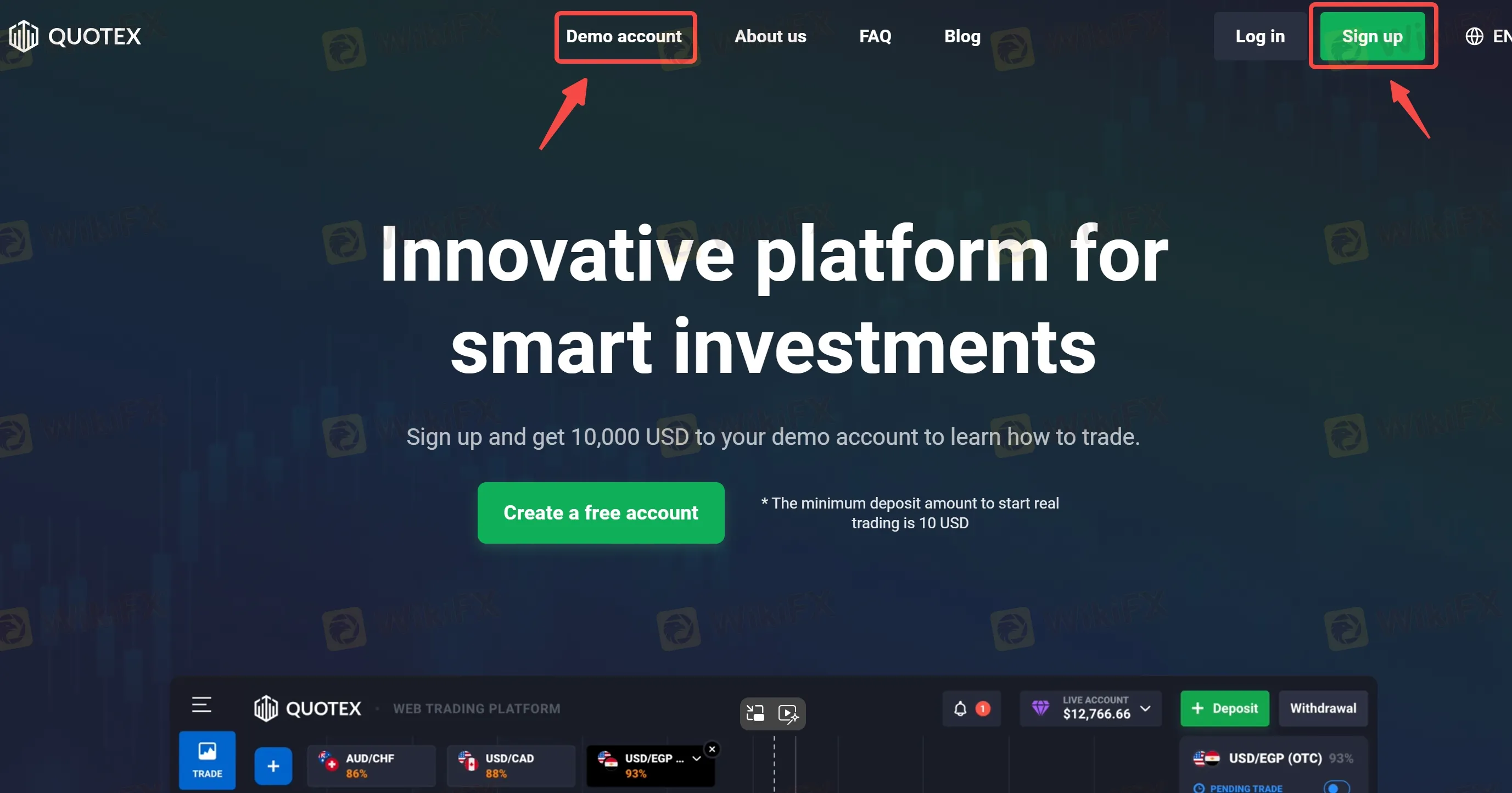
Step 2. Enter email/phone + password; tick 18+ and accept Terms; confirm non-U.S. tax residency statement.
Step 3. Verify via email/SMS; access the $10,000 demo.
Step 4. Set base currency (USD default) and preferences in Profile.
Step 5. If you intend to withdraw, complete KYC (ID, selfie, proof of address) before funding.
Log in: Daily Access & Account Hygiene
Step 1. Go to the login page; use your registered email/phone and password.Step 2. New devices may trigger extra codes—keep email/phone active.Step 3. Use unique strong passwords; store backup codes offline.Step 4. Screenshot funding path/fees pages before each transaction for records.
FAQs about Quotex Login
Q1. Can regional blocks prevent login?
Yes—site lists blocks for U.S., Canada, EU/EEA, Israel, Russia, Hong Kong, and minors.
Q2. How do I reset a forgotten password?
Use Forgot password to trigger a link/code. If nothing arrives, check spam and open a live-chat ticket.
Q3. Do I need KYC for demo?
Usually no. Withdrawals or higher limits will require KYC.
Q4. Why was my account disabled?
Common reasons: long inactivity, duplicate accounts, Terms violations, or risk controls. Follow support instructions (often a handheld ID photo and past deposit proof) to appeal.
Q5. Can I change my base currency later?
The profile page advertises currency switching; do it before funding to avoid conversion spreads.
Disclaimer:
The views in this article only represent the author's personal views, and do not constitute investment advice on this platform. This platform does not guarantee the accuracy, completeness and timeliness of the information in the article, and will not be liable for any loss caused by the use of or reliance on the information in the article.
WikiFX Broker
Latest News
Blueberry Markets Review: Examining the Latest User Complaints in 2026
 WikiFX
MSquare Review 2026: Is this Forex Broker Legit or a Scam?
WikiFXThe MSquare Review: Forged Blockchain Receipts, Frozen Accounts, and Severe Anomalies Exposed
WikiFXHow Trading Volume Tells You If a Price Move is Real
WikiFXWhy Judging Trades by Profit Teaches the Wrong Lesson
WikiFXEC Markets Reports Record $5.13 Trillion Q1 Volume in 2026
WikiFXWhen Scammers Forge a Minister's Signature: Malaysia's Fake Investment Letter Exposed
WikiFXMalaysia Takes Aim at Online Scams: New Laws and a Unified Task Force on the Horizon
WikiFXAI Powered, Nearly Invisible: How Crypto Scammers Are Evolving with NEW Tactics
WikiFXROCO Regulation: Is ROCO Broker Safe for Forex Trading?
WikiFXCurrency Calculator
USD

CNY
Current Rate:0
Enter amount
USD
Redeemable Amount
CNY
Calculate 