

Global Broker Regulation Inquiry App
About WikiFX
English
简体中文
繁體中文
English
Pусский
日本語
ภาษาไทย
Tiếng Việt
Bahasa Indonesia
Español
हिन्दी
Filippiiniläinen
Français
Deutsch
Português
Türkçe
한국어
العربية

Ironbeam Brokers Login: How to Access Your Futures Account Securely?
Abstract:A step-by-step guide to Ironbeam login, account setup, and accessing your futures trading dashboard securely on desktop and mobile.
How Can You Access the Ironbeam Platform as a New or Existing Trader?
Ironbeam offers a streamlined login process across all platforms. Whether you're using desktop software, mobile apps, or the web trader, you can securely access your trading account with your credentials.
Step 1: Visit https://trade.ironbeam.com/login
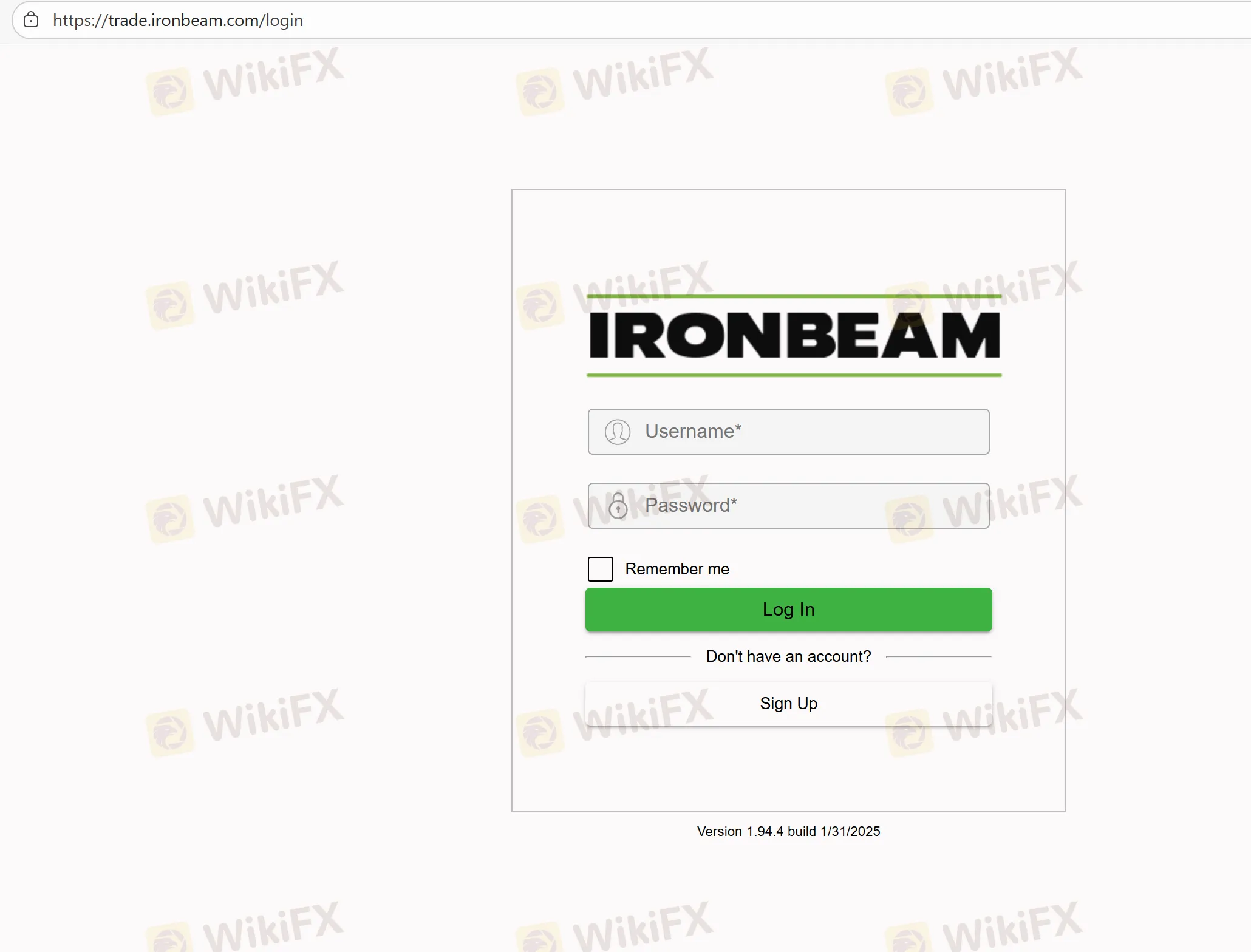
Step 2: Enter your registered email and password
Step 3: Access the dashboard to view balances, fund account, or launch trading platform
Step 4: Download mobile app for on-the-go access (iOS/Android)
Step 5: Use two-factor authentication (optional but recommended)
For demo accounts, visit the same login portal and choose the demo login option after registration.
FAQs Related to Ironbeam Login
Where can I log in to my Ironbeam account?
Use the portal at https://trade.ironbeam.com/login for both live and demo accounts.
Can I access Ironbeam on mobile?
Yes. Ironbeam apps are available on both Android and iOS.
Is there two-factor authentication (2FA)?
Yes, you can enable 2FA for enhanced security.
How do I retrieve a forgotten password?
Click “Forgot Password” on the login page and follow the reset instructions.
Can I use the same login for demo and live accounts?
Youll need separate credentials, but both are accessible through the same portal.
Disclaimer:
The views in this article only represent the author's personal views, and do not constitute investment advice on this platform. This platform does not guarantee the accuracy, completeness and timeliness of the information in the article, and will not be liable for any loss caused by the use of or reliance on the information in the article.
WikiFX Broker
Latest News
India’s Love Affair with Gold: Investment Demand Rises 40% of Consumption in CY25
 WikiFX
Why Paid Forex Signals Are a Trap for Beginners
WikiFXUS Dollar Dips On Hormuz Proposal
WikiFXZed Capital Review 2026: Should You Trade With This Broker?
WikiFXIs Naga Regulated? Guide to Naga Regulation and Safety
WikiFXCancer Survivor Loses RM610,000 Insurance Payout to Fake 750% Investment Scam
WikiFXInteractive Brokers Review 2026: Regulation Fines, Clone Risks, and Safety Facts
WikiFXIs Octa Regulated? Octa Regulation And Licensing Facts
WikiFXGKFX Regulation Warning: Is Trive Financial A Suspicious Clone?
WikiFXcoinbase Review 2026: Is this Forex Broker Legit or a Scam?
WikiFXCurrency Calculator
USD

CNY
Current Rate:0
Enter amount
USD
Redeemable Amount
CNY
Calculate 