

Global Broker Regulation Inquiry App
About WikiFX
English
简体中文
繁體中文
English
Pусский
日本語
ภาษาไทย
Tiếng Việt
Bahasa Indonesia
Español
हिन्दी
Filippiiniläinen
Français
Deutsch
Português
Türkçe
한국어
العربية
IFEX Capital Login via App and Web
Abstract:Step-by-step guide for IFEX Capital login via app and web, plus login-related FAQs. Learn how to register, log in, resolve access issues and secure your account.
How to Register and Log In to IFEX Capital?
Our team registered an account directly on IFEX Capitals website. The sign-up process requires filling in personal details, uploading ID and proof of address, and choosing an account type (Silver, Gold, Platinum, VIP, or Islamic). Account approval took less than 24 hours in our test. Once verified, users receive credentials to access both the web platform and mobile app.
Login Access: WebTrader and Mobile App
Logging in via browser is simple: click the “Login” button on the homepage, enter your email and password, and proceed. Two-factor authentication is optional but recommended.
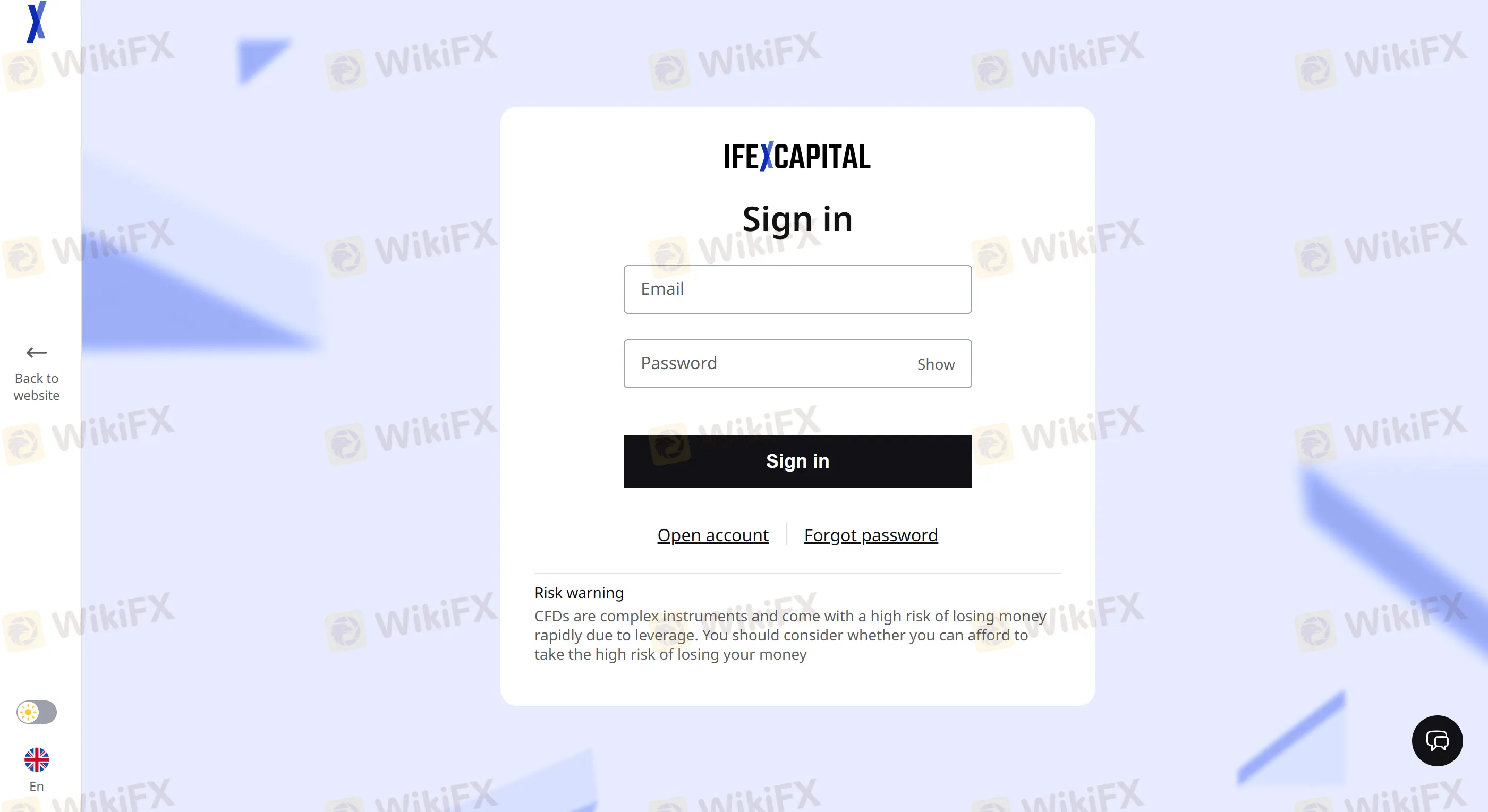
For mobile users, IFEX Capital offers the MatchTrade app available on iOS and Android. It mirrors the WebTrader interface with full account access, trade execution, and real-time data syncing across devices.
To ensure your account remains secure, always log out when using public devices and enable 2FA from your account settings.
FAQs about Logging In to IFEX Capital
How do I reset my password?
Click “Forgot Password” on the login screen. You‘ll receive a reset link via your registered email. If you don’t receive it, check your spam folder or contact support.
What should I do if my account is locked?
Multiple failed login attempts can result in a temporary lock. Youll need to contact customer service to unlock your account.
Does the mobile app provide the same features as the web version?
Yes, both platforms are fully synchronized and offer the same trading functionalities, including charts, market orders, and account management.
Can I use 2FA for added login security?
Yes. Two-factor authentication can be enabled in your account settings, adding a second layer of security via email or SMS verification codes.
What credentials do I need to log in?
Youll need your registered email and password. If 2FA is activated, you must also enter a code sent to your device.
Is it safe to log in from public networks?
We strongly advise against logging in from unsecured networks. Always use a VPN and enable 2FA when accessing your account remotely.
Disclaimer:
The views in this article only represent the author's personal views, and do not constitute investment advice on this platform. This platform does not guarantee the accuracy, completeness and timeliness of the information in the article, and will not be liable for any loss caused by the use of or reliance on the information in the article.
WikiFX Broker
Latest News
Blueberry Markets Review: Examining the Latest User Complaints in 2026
 WikiFX
MSquare Review 2026: Is this Forex Broker Legit or a Scam?
WikiFXThe MSquare Review: Forged Blockchain Receipts, Frozen Accounts, and Severe Anomalies Exposed
WikiFXHow Trading Volume Tells You If a Price Move is Real
WikiFXWhy Judging Trades by Profit Teaches the Wrong Lesson
WikiFXEC Markets Reports Record $5.13 Trillion Q1 Volume in 2026
WikiFXWhen Scammers Forge a Minister's Signature: Malaysia's Fake Investment Letter Exposed
WikiFXMalaysia Takes Aim at Online Scams: New Laws and a Unified Task Force on the Horizon
WikiFXAI Powered, Nearly Invisible: How Crypto Scammers Are Evolving with NEW Tactics
WikiFXROCO Regulation: Is ROCO Broker Safe for Forex Trading?
WikiFXCurrency Calculator
USD

CNY
Current Rate:0
Enter amount
USD
Redeemable Amount
CNY
Calculate 