

Global Broker Regulation Inquiry App
About WikiFX
English
简体中文
繁體中文
English
Pусский
日本語
ภาษาไทย
Tiếng Việt
Bahasa Indonesia
Español
हिन्दी
Filippiiniläinen
Français
Deutsch
Português
Türkçe
한국어
العربية
Firewood Login by Step
Abstract:To log in to your Firewood FX account and start trading, follow these simple steps:
To log in to your Firewood FX account and start trading, follow these simple steps:
- Where to Log In
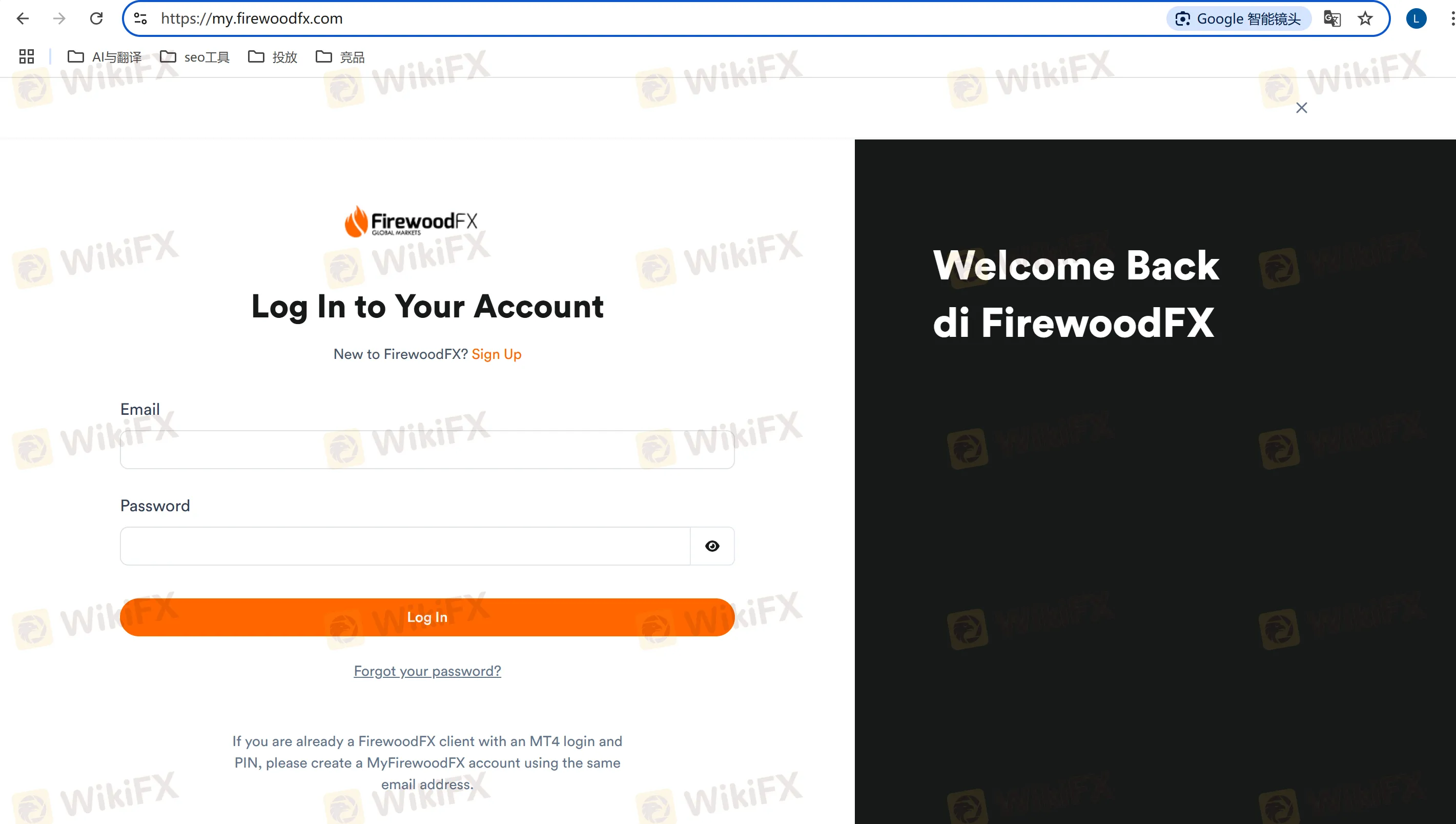
- Go to the official Firewood FX login page: https://my.firewoodfx.com/.
- Login Process (Step-by-Step)
Follow these steps to log in:
- Step 1: Open the Firewood FX login page.
- Step 2: Enter your username (usually the email address you used to register).
- Step 3: Enter your password.
- Step 4: Click the “Login” button to access your account.
- If youve forgotten your password, there will be a “Forgot Password?” link to reset it.
- Required Materials
- Usename: This is typically the email address you used to register.
- Password: The password created during the registration process.
- Make sure you keep your login details secure and do not share them with others.
- Privacy Protection
Firewood FX uses secure encryption protocols to protect your account login details. Always ensure you're on the correct login page to avoid phishing attempts. You should also enable two-factor authentication (2FA), if available, for additional security.
What you want to know most
Q1: How to log in to Firewood FX Broker's account?
A1: To log in, visit the official Firewood FX login page, enter your username and password, then click “Login” to access your account.
Q2: How to log in to Firewood FX platform?
A2: You can log in to the Firewood FX trading platform (MT4) by entering your trading account details into the MT4 login screen after installing the platform.
Q3: Is it safe to log in to Firewood FX?
A3: Yes, it is safe to log in to Firewood FX, as long as you access the correct login page and use strong, unique passwords. Consider enabling two-factor authentication for extra protection.
Q4: I forgot my Firewood FX password. What should I do?
A4: Click on the “Forgot Password?” link on the login page, and follow the instructions to reset your password securely via email.
Q5: Can I log in to my Firewood FX account on mobile?
A5: Yes, you can log in to your Firewood FX account on mobile by using the Firewood FX app or the mobile version of their website.
Disclaimer:
The views in this article only represent the author's personal views, and do not constitute investment advice on this platform. This platform does not guarantee the accuracy, completeness and timeliness of the information in the article, and will not be liable for any loss caused by the use of or reliance on the information in the article.
WikiFX Broker
Latest News
India’s Love Affair with Gold: Investment Demand Rises 40% of Consumption in CY25
 WikiFX
Why Paid Forex Signals Are a Trap for Beginners
WikiFXUS Dollar Dips On Hormuz Proposal
WikiFXZed Capital Review 2026: Should You Trade With This Broker?
WikiFXIs Naga Regulated? Guide to Naga Regulation and Safety
WikiFXThe MSquare Review: Forged Blockchain Receipts, Frozen Accounts, and Severe Anomalies Exposed
WikiFXHow Trading Volume Tells You If a Price Move is Real
WikiFXWhy Judging Trades by Profit Teaches the Wrong Lesson
WikiFXEC Markets Reports Record $5.13 Trillion Q1 Volume in 2026
WikiFXWhen Scammers Forge a Minister's Signature: Malaysia's Fake Investment Letter Exposed
WikiFXCurrency Calculator
USD

CNY
Current Rate:0
Enter amount
USD
Redeemable Amount
CNY
Calculate 